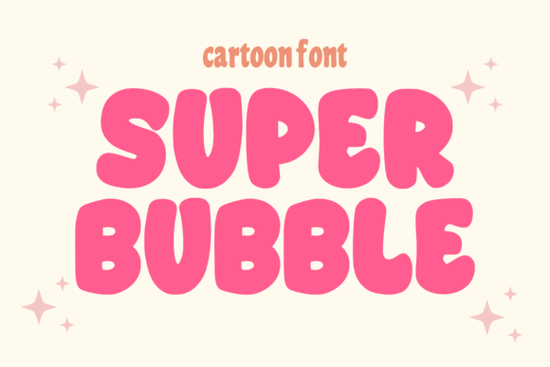
Finding the right typeface for a playful or bold project usually means looking for something with thick strokes and rounded edges. The Super Bubble Font fits this exact need. It offers a modern, chunky aesthetic that works exceptionally well for stickers, packaging, and casual brand identities. Whether you are designing a new t-shirt line or creating custom decals, this typeface gives your text a soft but highly visible presence.
What makes a bubble font work for commercial projects?
When selling print-on-demand merchandise or creating packaging for a small business, readability is just as important as style. Puffy, rounded letters naturally draw the eye without feeling too aggressive. This specific typeface keeps its bold structure while maintaining clean edges, which means it scales beautifully from a small product label to a large poster.
If you are working on a comic book or a children's book layout, the thick strokes provide a friendly, approachable vibe. It is also highly effective for YouTube thumbnails and Instagram graphics where text needs to stand out clearly against busy, colorful backgrounds.
How do you use puffy fonts in Cricut and crafting?
For crafters using cutting machines, thick display typefaces are generally much easier to weed than thin, delicate scripts. The wide inner spaces and solid outer lines mean your vinyl cuts cleanly and transfers smoothly to mugs, tumblers, or tote bags without tearing.
When setting up your file in Design Space or Silhouette Studio, make sure to weld overlapping letters if you are cutting a single continuous word. This prevents the machine from cutting through the middle of your design. If you want to explore other crafting-friendly options, you might also look into similar rounded styles that offer a slightly different texture for your vinyl projects.
Which design styles pair well with rounded display type?
Mixing typefaces can be tricky, but the general rule is to contrast your bold header with a simpler body text. Since this font is heavily stylized and thick, it should only be used for short phrases, titles, or main logo elements.
For the supporting text, a clean sans-serif or a simple handwritten style works best. If you need a secondary font for a logo layout, browsing through versatile pairing options can help you find a matching script or minimalist sans-serif to balance the visual weight.
You can also play with contrasting moods. For instance, pairing a soft, rounded header with a rugged western style creates an interesting visual tension that works well for niche apparel brands. Alternatively, if your project needs a more nostalgic or retro feel, checking out vintage-inspired alternatives might give you the exact aesthetic you are looking for.
Where does this typeface perform best on social media and merch?
Social media algorithms favor high-contrast, easily readable text on images. Because the letters are thick and uniform, they remain legible even when scaled down for mobile screens. This makes it an excellent choice for Instagram carousel covers, TikTok text overlays, or Pinterest pins.
For apparel, the bold shapes hold up well to screen printing and direct-to-garment methods. The ink coverage is solid, and the design will not fade or crack as easily as highly detailed, thin-line illustrations. If you are designing for a streetwear or casual lifestyle brand, you might also want to test other bold display choices to see which one resonates most with your specific target audience.
Quick setup checklist for your next design
Before you finalize your project and send it to the printer or cutting machine, run through these quick steps to ensure your typography looks professional:
- Check the licensing: Verify whether your download includes a commercial license if you plan to sell physical products or use the design for client work.
- Adjust the kerning: Bubble fonts often look better with slightly tighter letter spacing. Manually adjust the kerning in your design software to remove awkward gaps between characters.
- Test the contrast: Place your text over the actual background image or product mockup to ensure it remains readable from a normal viewing distance.
- Convert to outlines: If you are sending the file to a professional printer, always convert your text to shapes or outlines so the font renders correctly on their machines, regardless of whether they have the file installed.
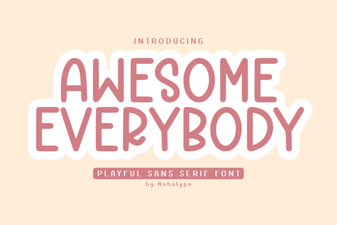 Awesome Everybody Font: Creative Uses & Free Downloads
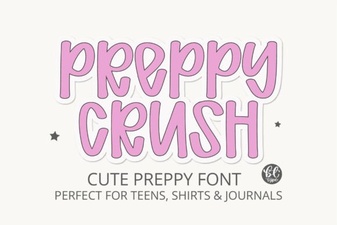 Preppy Font: Style Tips for Creative Designs
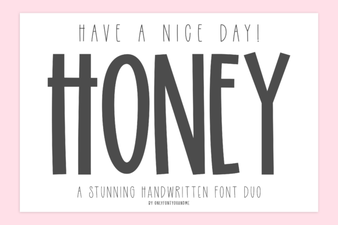 Free & Downloadable Have a Nice Day Honey Font
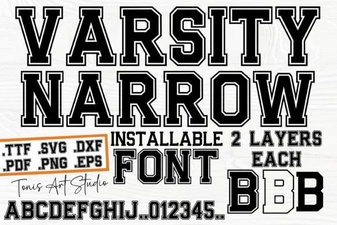 Creative Projects with Varsity Narrow Font
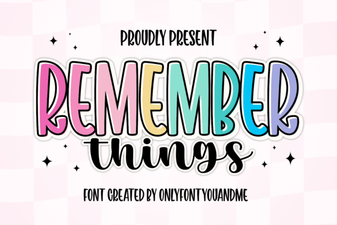 Harness the Remember Things Font for Better Design
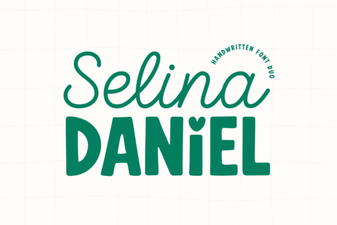 Selina Daniel Duo Font for Creative Projects