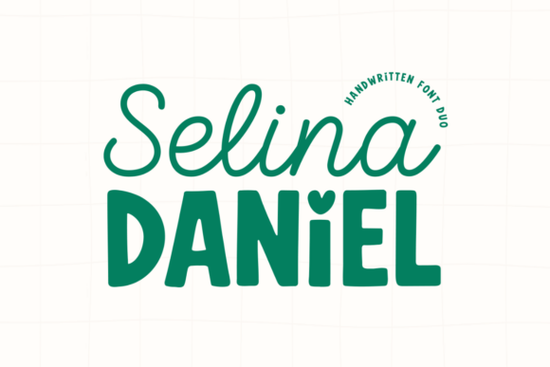
Finding the right typography pairing can take hours of testing and tweaking. The Selina Daniel Duo Font solves this problem by providing two contrasting but perfectly matched handwritten styles in a single package. You get an elegant, flowing script alongside a chunky, playful sans-serif. This combination makes it much easier to build visual hierarchy for branding, wedding stationery, or social media graphics without having to mix and match typefaces from different designers.
What makes this font duo work for branding?
Good design relies heavily on contrast. The 'Selina' script offers a light, romantic feel that works beautifully for main headings, logos, or delicate signatures. When you need supporting text that is easy to read but still feels custom, the 'Daniel' sans-serif steps in. It is thick and grounded, featuring a charming heart-shaped dot over the lowercase 'i'. Because both fonts share a consistent, modern hand-drawn aesthetic, they naturally look like they belong together. If you are working on a project that needs a completely different vibe, you might look into something more structured like a bold western display typeface or a varsity-style lettering option, but for feminine and boutique projects, this specific duo keeps things highly cohesive.
How can crafters and small businesses use these styles?
Print-on-demand sellers and small business owners need versatile assets that work across multiple physical and digital mediums. Here are a few practical ways to apply these letterforms to your daily workflow:
- Wedding Stationery: Use the script for the couple's names on invitations and the sans-serif for the venue details, dates, and RSVP information.
- Boutique Packaging: Print the chunky sans-serif on tissue paper, thank you cards, or stickers, and use the elegant script for the main brand logo on the box.
- Social Media Quotes: The thick sans-serif ensures readability on small phone screens, while the script adds a personal, human touch to inspirational quotes and stories.
- Custom Apparel: Both styles translate exceptionally well to embroidery and screen printing because of their clear, distinct lines and generous spacing.
Sometimes a project requires a softer touch for secondary elements, which is where a cheerful handwritten alternative might come in handy. Alternatively, if you are designing for a children's brand or a playful nursery line, pairing this duo with a quirky playful typeface can add extra character to your product packaging.
Are the extra glyphs and swashes easy to access?
One common frustration with script fonts is hiding ligatures and swashes behind complex software menus. This font family is PUA encoded, meaning all the stylistic alternates and extra glyphs are fully accessible to the user. If you are using basic design software like Cricut Design Space, Silhouette Studio, or even standard word processors, you can simply open your system's character map to copy and paste the exact swashes you need. You do not need expensive, professional graphic design software to access the full potential of the letterforms. For those who prefer a more nostalgic or retro aesthetic in their crafting projects, you could also explore a vintage-inspired display font to mix into your broader design library for different seasonal campaigns.
What should you check before finalizing your design?
Before you send your files to the printer, cut your vinyl, or publish your social media templates, run through this quick checklist to ensure your typography looks professional and polished.
- Check the kerning: Even well-made fonts need slight manual adjustments. Check the spacing between the script letters, especially around capital letters and overlapping swashes.
- Test readability: Shrink your design down to the size of a mobile screen. If the chunky sans-serif feels too heavy or the script becomes unreadable, adjust the weight or size accordingly.
- Balance the hierarchy: Ensure the script is noticeably larger than the sans-serif so the viewer's eye knows exactly where to look first.
- Proofread the heart dots: Make sure the heart-shaped 'i' dots in the sans-serif do not clash with any long swashes from the script font placed directly above them.
- Verify contrast ratios: If placing text over a colored background or photograph, ensure the text stands out clearly without straining the reader's eyes.
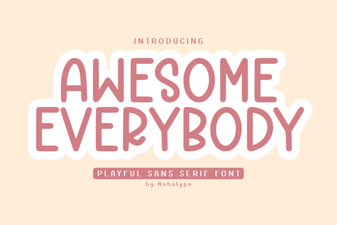 Awesome Everybody Font: Creative Uses & Free Downloads
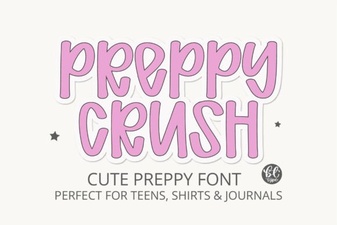 Preppy Font: Style Tips for Creative Designs
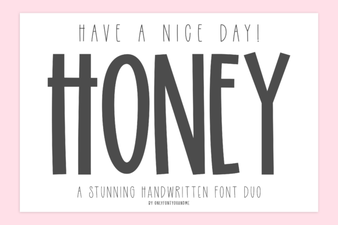 Free & Downloadable Have a Nice Day Honey Font
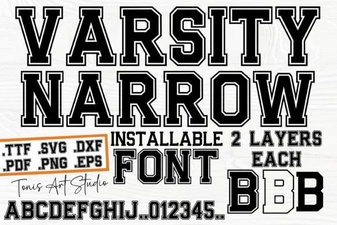 Creative Projects with Varsity Narrow Font
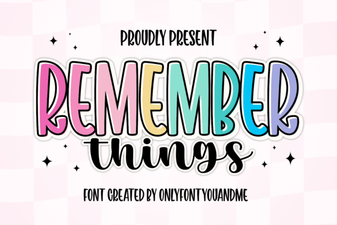 Harness the Remember Things Font for Better Design
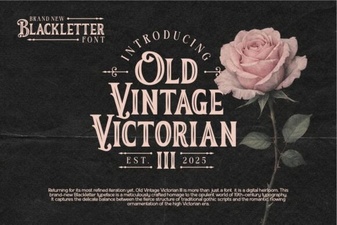 Victorian Era Fonts for Elegant Design Projects