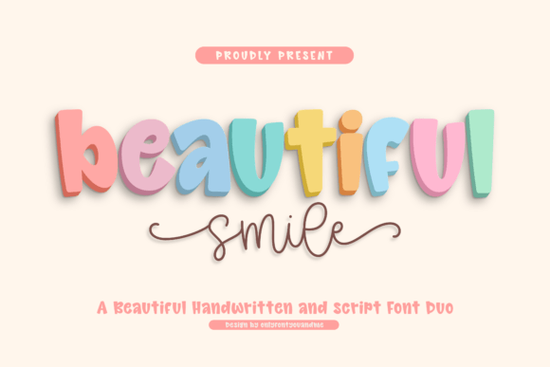
Finding the right typography for a cheerful project can be tricky, especially when you need something that feels both fun and professional. The Beautiful Smile Font solves this by offering a versatile two-in-one solution. It pairs a chunky, rounded display typeface with a smooth, flowing script. This combination gives crafters, small business owners, and print-on-demand sellers a reliable toolkit for creating friendly, approachable designs without sacrificing readability.
What makes a rounded display typeface readable?
When working with thick, playful letterforms, legibility is often the first concern. Many bubbly styles sacrifice clear letter shapes for the sake of looking cute. This specific display style avoids that trap by keeping its counters (the open spaces inside letters like 'o' and 'e') wide and open. The soft edges and gentle curves give it a warm personality, while the balanced proportions ensure your text remains easy to read from a distance.
For crafters cutting vinyl on machines like Cricut or Silhouette, clean lines and subtle stroke variations mean less weeding and fewer tearing issues. If you are exploring other chunky styles for a children's brand or a playful bakery, you might also look at options like the super bubble style to see how different rounded weights affect your physical layout.
How do you effectively pair a bold display style with a script?
Mixing a heavy, dimensional display face with a delicate script creates a natural visual hierarchy. The main bold font grabs attention for headlines and logos, while the monoline script companion works perfectly for subheadings, signatures, or accent text. The script includes a natural rhythm and expressive swashes that add movement without looking messy.
This kind of contrast is highly effective for packaging and social media graphics. You can use the bold letters in a bright, solid color and the script in a contrasting pastel or metallic tone. For a slightly different vibe that still mixes casual and structured elements, checking out a preppy casual typeface can give you more ideas for layered text designs and mood boards.
Which projects work best with cheerful, handwritten typography?
This typographic pairing shines in projects that need to feel welcoming and joyful. Here are a few ways different creators use this style in their daily work:
- Print-on-demand apparel: The bold display letters are perfect for t-shirt graphics, tote bags, and mugs aimed at kids or playful adult niches.
- Product packaging: Small businesses selling handmade soaps, candles, or snacks can use the script for ingredient lists and the display font for the main product name.
- Event stationery: The flowing script adds a personal touch to baby shower invitations, birthday cards, and wedding welcome signs.
- Social media branding: Use the chunky letters for Instagram carousel titles and the script for quote overlays or call-to-action buttons.
If your project leans more toward a school, sports, or team theme, you might want to compare this with a collegiate mascot style or a narrow varsity typeface to see which fits your specific niche better. Alternatively, a kid-friendly pop style could be another great alternative for children's merchandise and classroom decor.
What should you check before finalizing your design?
Before you commit to a typeface for a major project or send it to the printer, it helps to run through a quick testing process. This ensures the letters behave exactly how you need them to in your specific design software.
- Test the script connections: Type out a few long words in the script companion to ensure the seamless connections flow naturally without awkward gaps between letters.
- Check the swashes: Apply the expressive swashes to the beginning and end of your text to see if they overlap with other design elements or get cut off at the edge of your canvas.
- Verify commercial licensing: If you are selling physical products, always double-check your license terms to ensure your usage is fully covered.
Quick pre-export checklist for crafters and designers
Run through these final steps before exporting your files for production:
- Outline or convert your text to paths if you are sending the file to a commercial printer or a vinyl cutting machine.
- Adjust the kerning manually on the bold display text, especially around letters with wide curves.
- Test the readability of your script at small sizes, such as on a mobile screen or a small product tag.
- Ensure your color contrast meets accessibility standards if the text is being used on a website or digital advertisement.
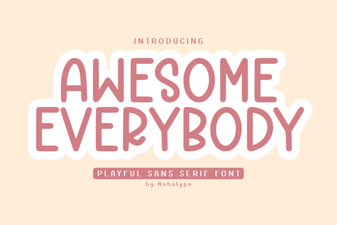 Awesome Everybody Font: Creative Uses & Free Downloads
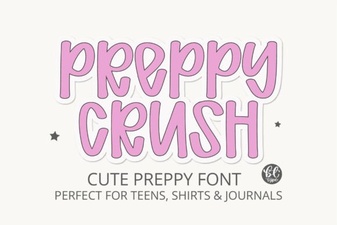 Preppy Font: Style Tips for Creative Designs
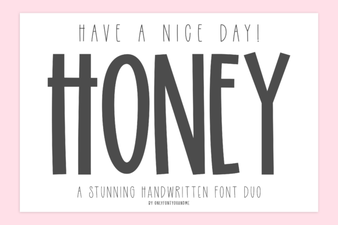 Free & Downloadable Have a Nice Day Honey Font
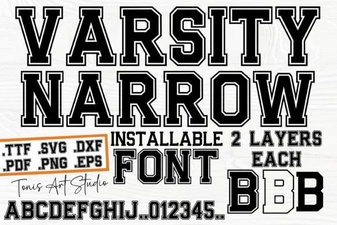 Creative Projects with Varsity Narrow Font
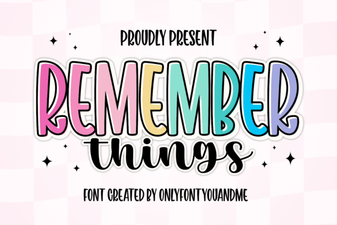 Harness the Remember Things Font for Better Design
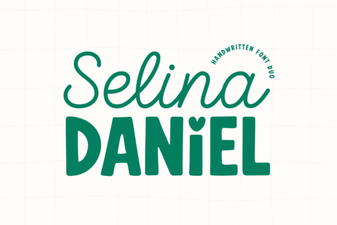 Selina Daniel Duo Font for Creative Projects