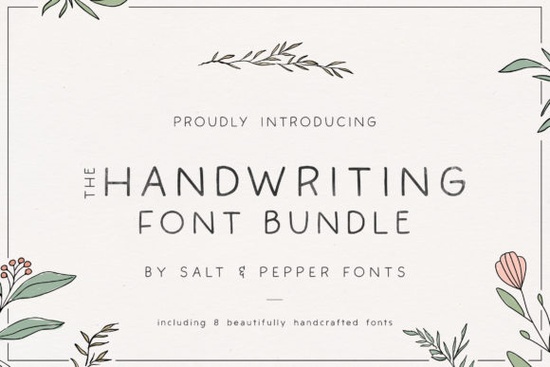
Adding a personal touch to digital designs often comes down to choosing the right typography. When you want your graphics to feel authentic and approachable, a well-crafted script is usually the best choice. The Handwriting Bundle Font provides eight distinct styles that mimic natural penmanship. Whether you are making custom t-shirts, designing wedding invitations, or creating social media graphics, these styles help your work stand out without looking like standard computer text.
Crafters and print-on-demand sellers know that customers love items that feel custom-made. Using authentic-looking lettering bridges the gap between digital design and physical products, giving your small business a distinct, handmade identity.
How do handwriting fonts improve craft and design projects?
When you are cutting vinyl for decals or wood for signs, the physical limitations of your cutting machine matter. Highly intricate scripts with tiny, fragile loops can tear during the weeding process. The styles in this collection are designed with crafting in mind. The strokes are thick enough to cut cleanly on both Cricut and Silhouette machines, reducing the frustration of torn vinyl and wasted materials.
For print-on-demand sellers, legibility is just as important as aesthetics. A shirt with an unreadable quote will not sell. These fonts offer a relaxed, casual vibe while keeping the letters distinct and easy to read from a distance. This makes them ideal for:
- Mug and tumbler decals
- Apparel graphics and tote bags
- Greeting cards and stationery
- Wooden signs and laser-cut crafts
Which software programs support these font files?
One of the biggest headaches for designers is buying a font only to realize it does not work with their favorite software. This bundle installs as standard OTF and TTF files on your computer, meaning they integrate smoothly into almost any design environment.
If you illustrate on an iPad, you can import them directly into Procreate for hand-lettering overlays. For quick social media posts and marketing materials, they work perfectly inside Canva Pro. Photographers and advanced designers can use them in Photoshop for watermarking or composite art. Because they install at the system level, they will also show up natively in Cricut Design Space and Silhouette Studio.
Pairing scripts with other typefaces
While script fonts are fantastic for headings, quotes, and accents, you usually need a simpler typeface for longer paragraphs or secondary information. If your current project requires highly readable body text, you can easily balance your layout by exploring clean sans-serif options to pair alongside your script. Mixing a casual script with a structured, minimal sans-serif creates a professional, modern contrast.
What should small businesses look for in a script typeface?
When choosing typography for your brand, consistency is key. Having a bundle of eight different styles allows you to test various moods. You might use a messier, more expressive style for a playful product line, and a neater, more refined script for your professional business cards.
Before finalizing your brand board, always test your chosen font at different sizes. Print it out on paper to see how it looks in the real world, rather than just staring at a glowing screen. Make sure the lowercase letters connect smoothly and that the overall texture feels natural, not forced.
Checklist for installing and testing your new fonts
Follow these quick steps to get the most out of your new typography assets:
- Close all design programs before installing the new files to ensure they register correctly in your software.
- Unzip the downloaded folder and install both the OTF and TTF files, though OTF is generally preferred for better curve rendering.
- Open a blank document in your primary design software and type out the alphabet in both uppercase and lowercase.
- Test the kerning by typing common words and checking if the spacing between specific letter pairs needs manual adjustment.
- Do a test cut if you are using a vinyl cutter, starting with a simpler word to check the weeding process before cutting your final design.
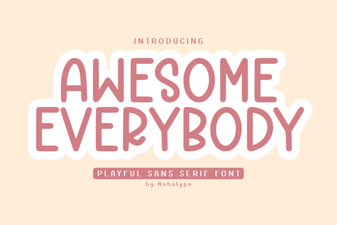 Awesome Everybody Font: Creative Uses & Free Downloads
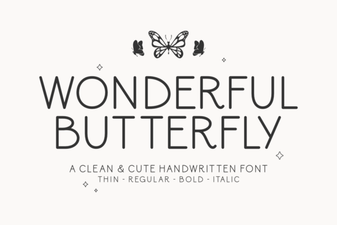 Wonderful Butterfly Font: Creative Design & Inspiration
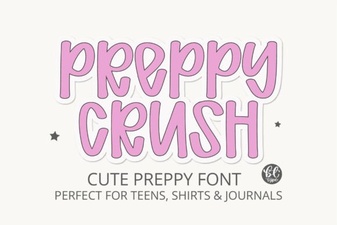 Preppy Font: Style Tips for Creative Designs
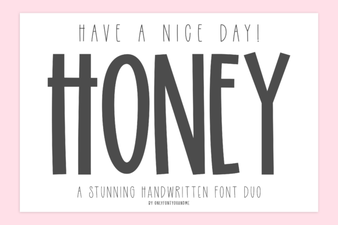 Free & Downloadable Have a Nice Day Honey Font
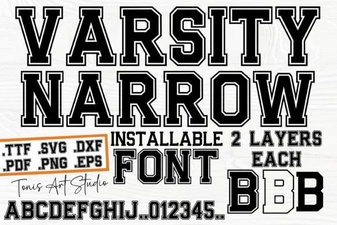 Creative Projects with Varsity Narrow Font
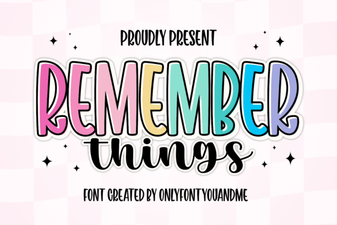 Harness the Remember Things Font for Better Design