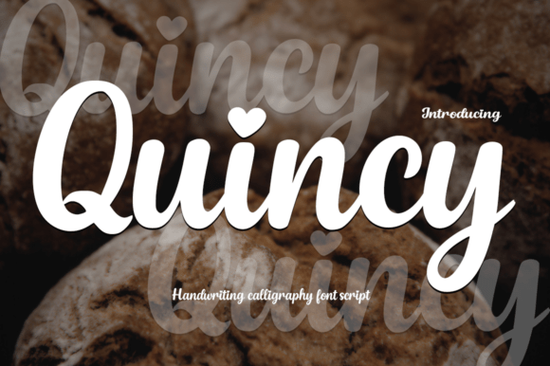
Finding the right typography can completely change the mood of your design. When you need a mix of elegance and playful energy, pairing a delicate script with a bold display typeface is a reliable strategy. The Quincy Font offers exactly this combination, providing a modern calligraphy style alongside a cartoonish bonus typeface. This setup is incredibly useful for print-on-demand sellers and small business owners who need versatile typography without buying multiple separate packages. Choosing the right letters ensures your message feels authentic and visually appealing to your target audience.
What makes a handwriting font work for wedding and branding projects?
When designing wedding invitations or feminine branding, readability and emotion are just as important as aesthetics. Quincy features smooth, flowing strokes that mimic natural handwriting without looking messy. The letters connect gracefully, giving your text a refined look. One specific detail that crafters and designers appreciate is the heart-shaped dots on the lowercase "i" and "j". This small touch adds warmth to heartfelt quotes, romantic stationery, and custom apparel.
If you are working with a cutting machine like a Cricut or Silhouette, clean lines are essential for weeding vinyl. This typeface cuts beautifully because the strokes are well-balanced. If you are looking for other romantic options to compare, you might also explore an enchanting script style to see how different curves affect your layout. However, this specific font strikes a nice balance between formal calligraphy and casual writing, making it highly versatile for logos and social media graphics.
How can you use a cartoon display font for kids' merchandise?
The included bonus typeface, Playtoon, shifts the focus from elegant to energetic. It is a bold, cartoon-style display font designed for high visibility. Print-on-demand sellers creating t-shirts, mugs, or stickers for children will find this highly practical. The expressive letter shapes grab attention, which is exactly what you need for storybook covers, educational materials, and playful apparel.
When designing for a younger audience, thick and readable letters are essential to keep their attention. You can see how this compares if you browse a thick font collection for other heavy-weight options. This bonus font works exceptionally well for short headings, comic-style speech bubbles, YouTube thumbnails for kids' channels, and fun brand names where clarity and character are the main goals.
Which projects benefit most from mixing script and display styles?
Having both a delicate script and a bold cartoon font in your toolkit allows you to create strong visual contrast. Contrast is a core principle in graphic design because it guides the viewer's eye and creates hierarchy. Here are a few practical ways to use both fonts together:
- Apparel Design: Use the cartoon style for a large, catchy main slogan on a toddler's shirt, and add a small, elegant signature at the bottom using the calligraphy style.
- Event Stationery: Design a playful first birthday invitation where the child's name is in the bold display font, while the event details and parents' names use the smooth script.
- Product Packaging: Small businesses selling handmade toys or children's bath products can use the playful font for the product name and the script font for an handmade with love tagline.
If your current project requires a slightly different vibe, you might want to test an overthinker style typeface for a more quirky, informal handwritten look, or perhaps a wonderful butterfly design if you need something highly ornate. But for a clean, modern mix of sweet and playful, this bundle covers a lot of ground. You can also check out the specific Quincy typeface details if you want to review the character map and ligature options before downloading.
How should you set up these fonts in your design software?
Before you start designing, follow this quick setup checklist to get the best results from your new typography:
- Install both files: Ensure both the OTF and TTF versions are installed on your system for maximum software compatibility.
- Enable ligatures: Turn on standard ligatures in your design software to make the script letters connect smoothly without awkward gaps.
- Adjust tracking: Keep the tracking tight for the calligraphy font so the strokes connect, but add a little extra space between words for readability.
- Test on different backgrounds: Print a small sample of your design on the actual material, like fabric or cardstock, to ensure the heart dots and cartoon edges remain crisp and legible.
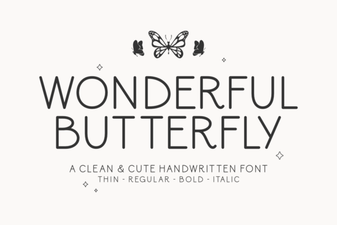 Wonderful Butterfly Font: Creative Design & Inspiration
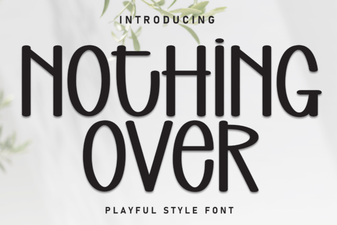 Font Font Projects: Creative Design & Usability Ideas
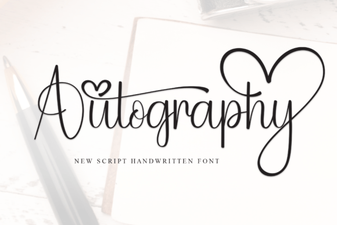 Crafting Personality with the Autography Font
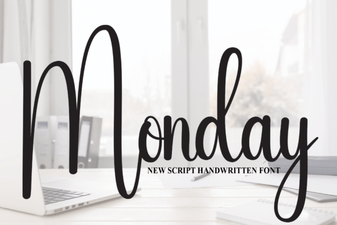 Monday Font: Download & Creative Project Ideas
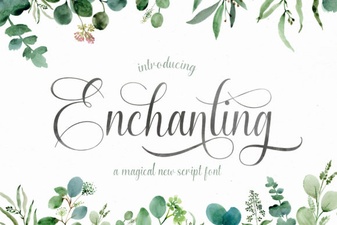 Choose the Perfect Enchanting Script Font
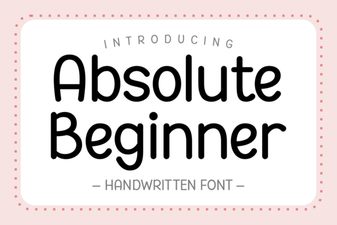 Best Fonts for Absolute Beginners in Design