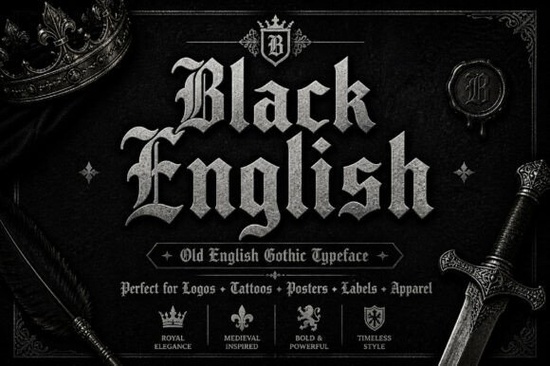
Finding the right typography for a vintage or medieval-themed project can be tricky. You want something authentic without looking completely unreadable. The Black English Font solves this by blending traditional Old English letterforms with fluid calligraphy strokes. It gives you a heavy, historical presence while keeping sharp edges clean enough for modern design. Whether you are designing band merchandise, creating a craft brewery logo, or working on custom apparel, this typeface brings a bold personality to your layout.
What makes this blackletter style different from standard Gothic fonts?
Standard Gothic typefaces often rely on rigid, blocky structures that feel stiff on the page. This design takes a different approach by mixing classic heavy strokes with the fluid elegance of hand-drawn calligraphy. The result feels ornate but maintains a sharp, modern edge. When you look closely at the letterforms, you will notice intricate overlays and dramatic contrasts between thick and thin lines. This gives the text a solid historical vibe without looking like a cheap replica of a medieval manuscript. It remains highly readable for a display font, which is exactly what you need when your text must stand out on a busy poster or a small clothing tag. If you are building a larger typographic library, exploring other dark historical typefaces can help you compare different weights for future projects.
Which projects work best with historical typography?
Because of its heavy presence, this typeface is strictly meant for display use. You would never use it for long paragraphs of body text. Instead, it shines in situations where you need to grab attention immediately. Here are practical ways crafters, print-on-demand sellers, and small business owners utilize this style:
- Apparel and Merchandise: It looks fantastic printed large on the back of heavyweight hoodies, vintage t-shirts, and canvas tote bags.
- Tattoo Flash and Art: The sharp edges and ornate details translate perfectly into tattoo stencils and digital art prints.
- Branding and Logos: Craft breweries, metal bands, barbershops, and artisan coffee roasters use this style to establish a rugged brand identity.
- Product Packaging: It adds a premium, old-world feel to craft beer labels, candle packaging, and artisanal food wrappers.
- Event Signage: Perfect for medieval fairs, gothic music festivals, and vintage-themed markets.
What should print-on-demand sellers know about production?
When working with highly detailed typography, the physical production method matters just as much as the digital design. The sharp edges and thin calligraphy strokes can cause issues if you are not careful with your file setup. For screen printing, you may need to slightly thicken the thinnest parts of the letterforms to ensure the ink passes through the mesh screen cleanly. If you use direct-to-garment printing, you have more freedom, but you still need to ensure the intricate overlays do not blur together on dark fabrics. Always print a physical proof before launching a new apparel line to check how the fine details hold up in real life.
How do you pair ornate display fonts with body text?
The biggest mistake designers make with heavy blackletter fonts is pairing them with another highly decorative typeface. Since the main font carries a massive amount of visual weight, your supporting text needs to be exceptionally clean.
- Use a neutral sans-serif: A geometric sans-serif provides a quiet, modern contrast that lets the blackletter remain the star of the show.
- Try a classic serif: If you want to maintain the vintage vibe, pair it with a traditional, highly readable serif font for your subheadings.
- Keep formatting minimal: Avoid adding extra swashes, heavy drop shadows, or thick outlines. Let the natural sharp edges do the heavy lifting without visual clutter.
Before you export your final design file, run through this quick checklist to ensure your typography looks professional and prints correctly:
- Check the kerning manually, paying special attention to the spacing around capital letters.
- Ensure the text size is large enough so the intricate internal overlays do not bleed together when printed.
- Test your layout in black and white to make sure the design holds up without relying on color contrast.
- Outline your text in your vector software before sending it to a commercial printer.
- Verify your commercial licensing terms if you are selling physical products featuring the typeface.
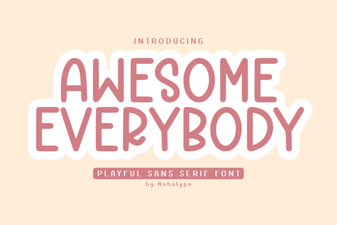 Awesome Everybody Font: Creative Uses & Free Downloads
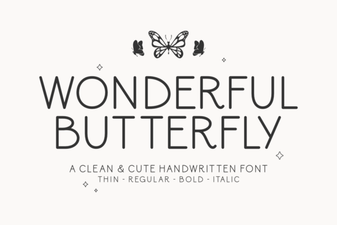 Wonderful Butterfly Font: Creative Design & Inspiration
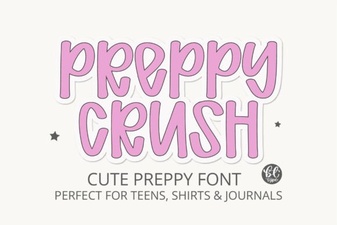 Preppy Font: Style Tips for Creative Designs
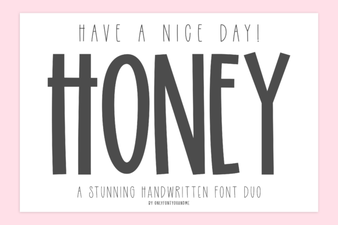 Free & Downloadable Have a Nice Day Honey Font
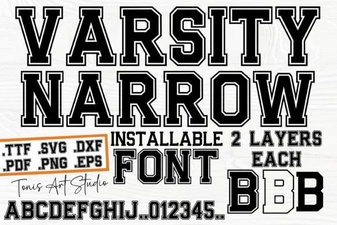 Creative Projects with Varsity Narrow Font
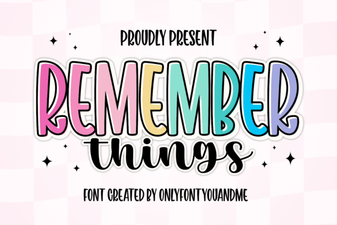 Harness the Remember Things Font for Better Design